Home | HKU FOSS
Log in to https://foss2.hku.hk/approval/ using your student ID and password
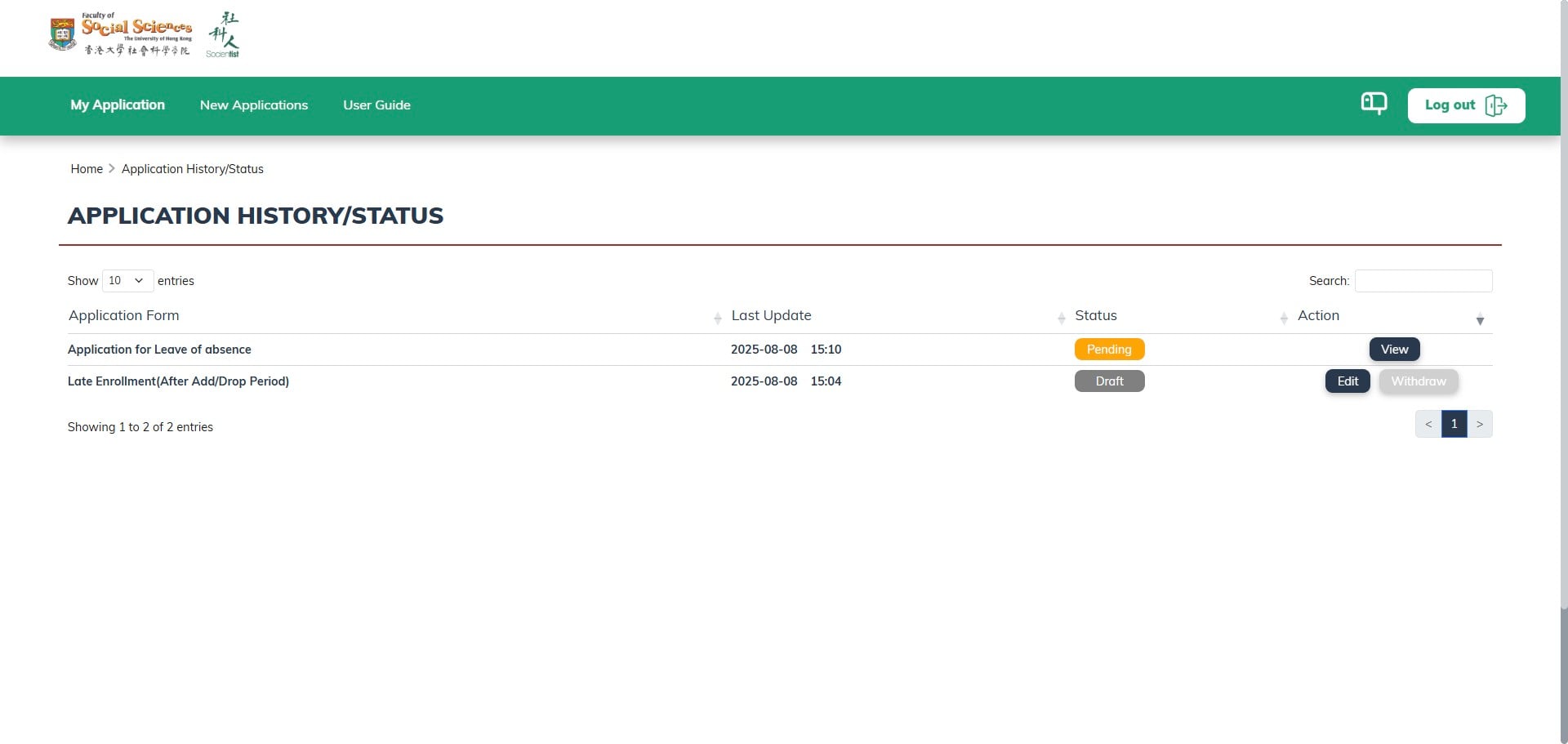
The Application History allows you to view previously submitted applications and their current status.
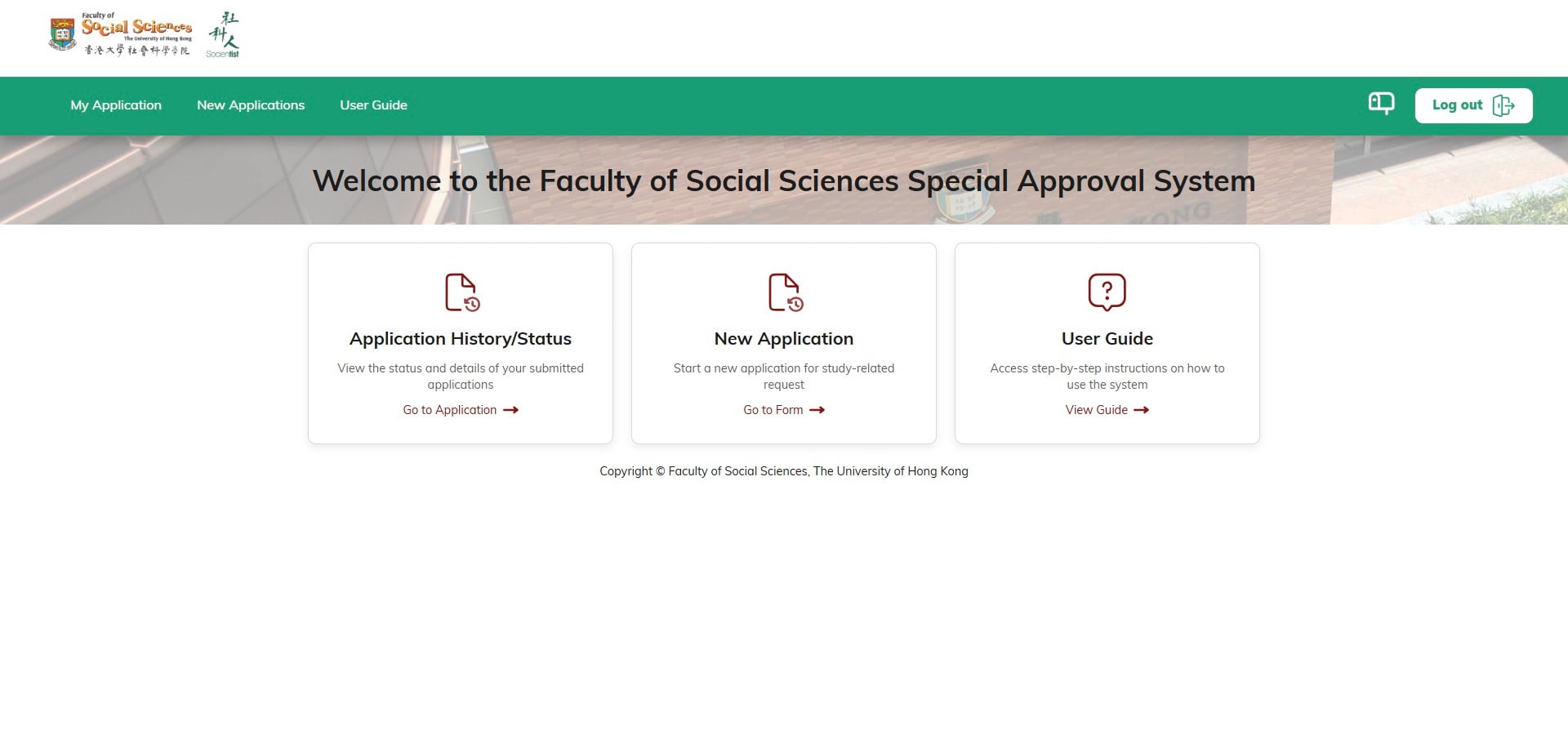
You can find this user guide under 'User Guide' and return here at any time.
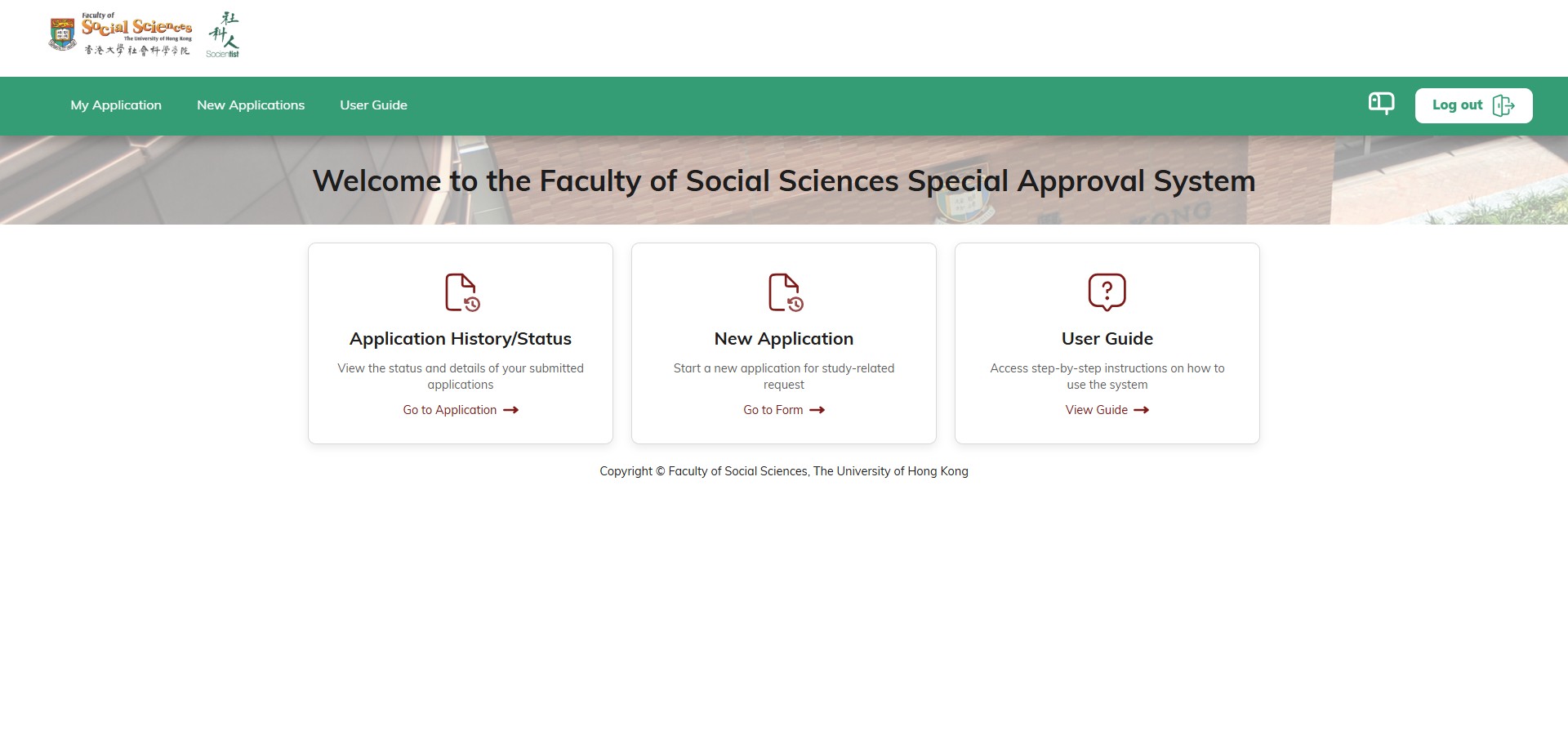
You can start a new application under 'New Application.'
In the application forms, you can click the checkbox to select which forms you would like to apply for. On the right side, you will find the form avaliable time period for each application.
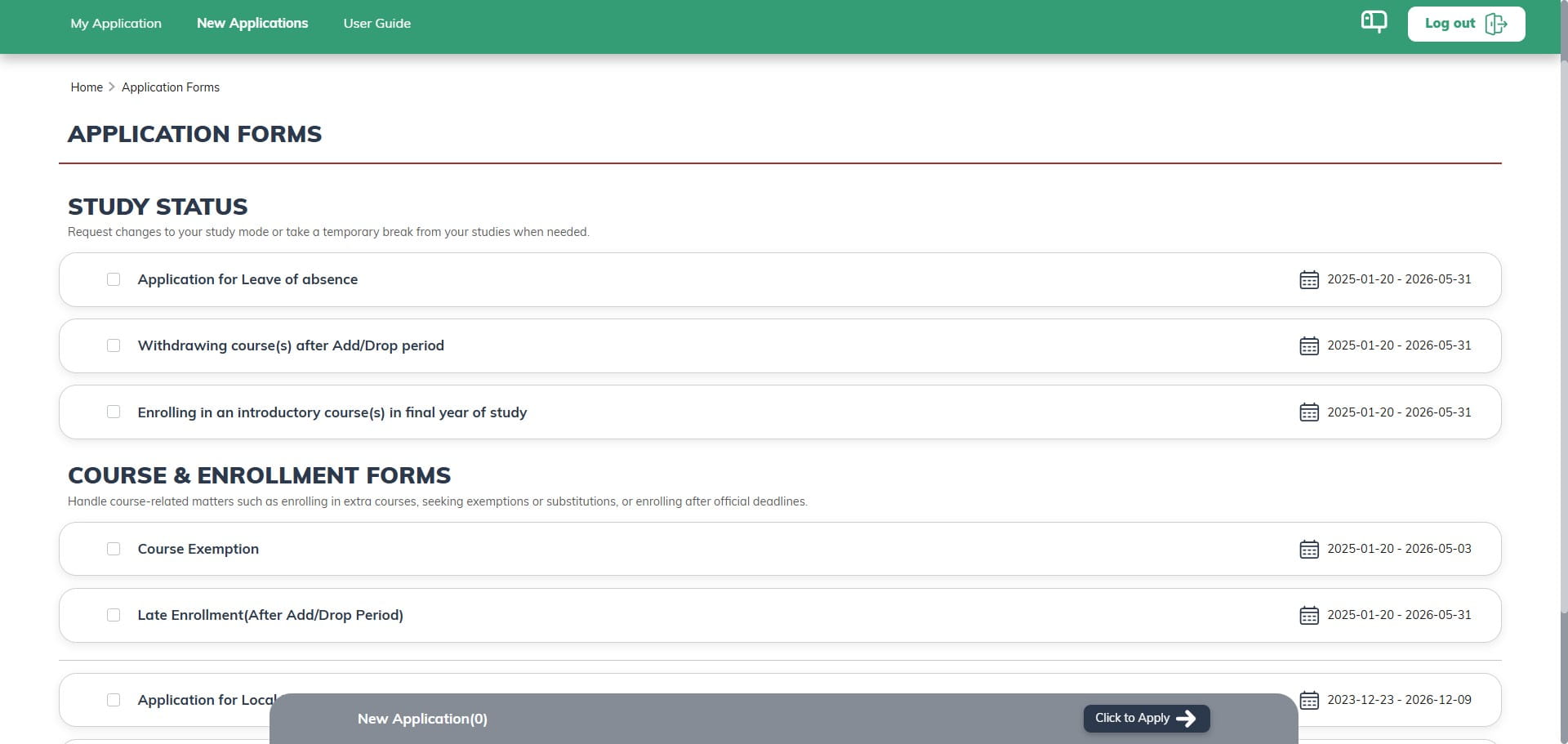
You are allowed to apply for multiple forms at once.
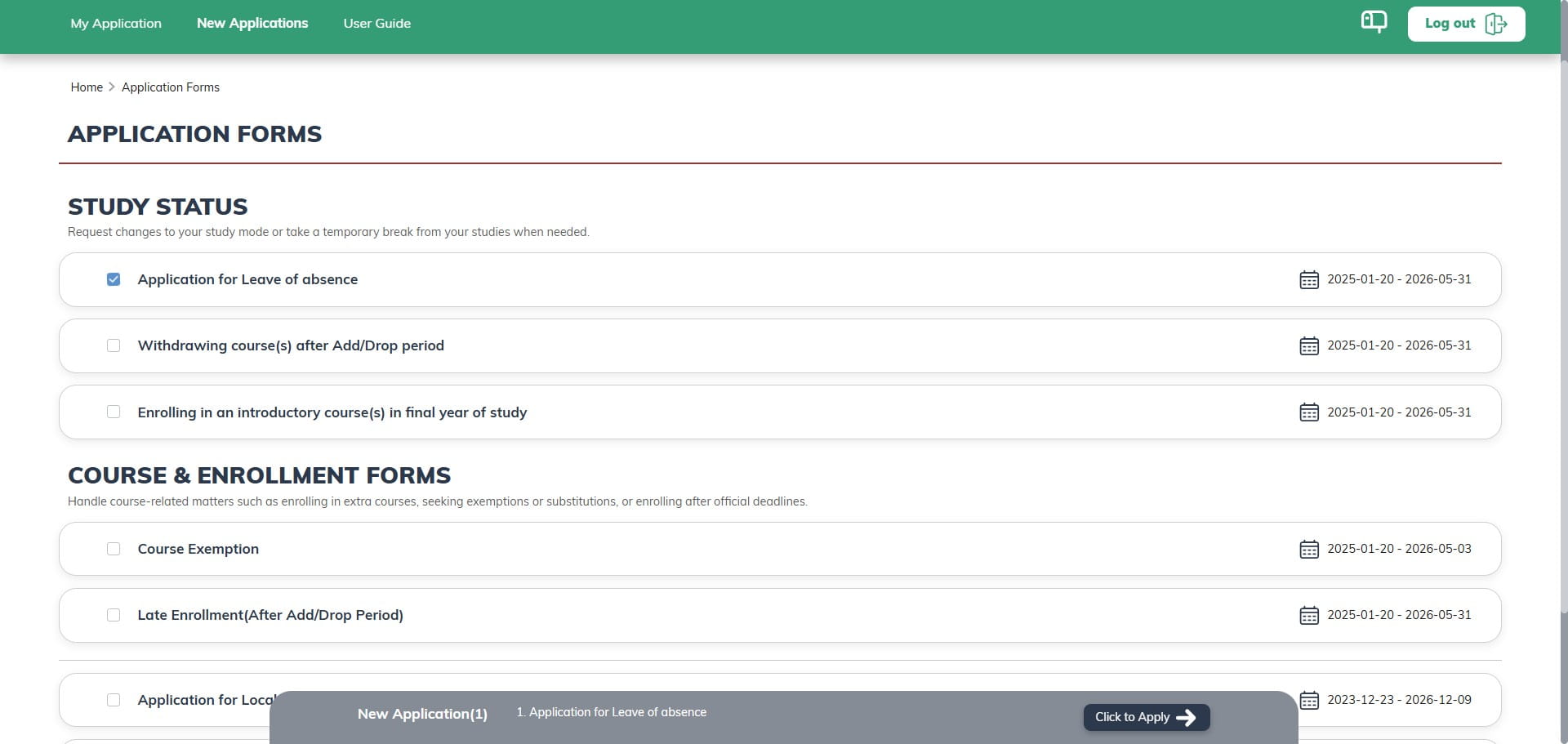
You are allowed to apply for multiple forms at once.
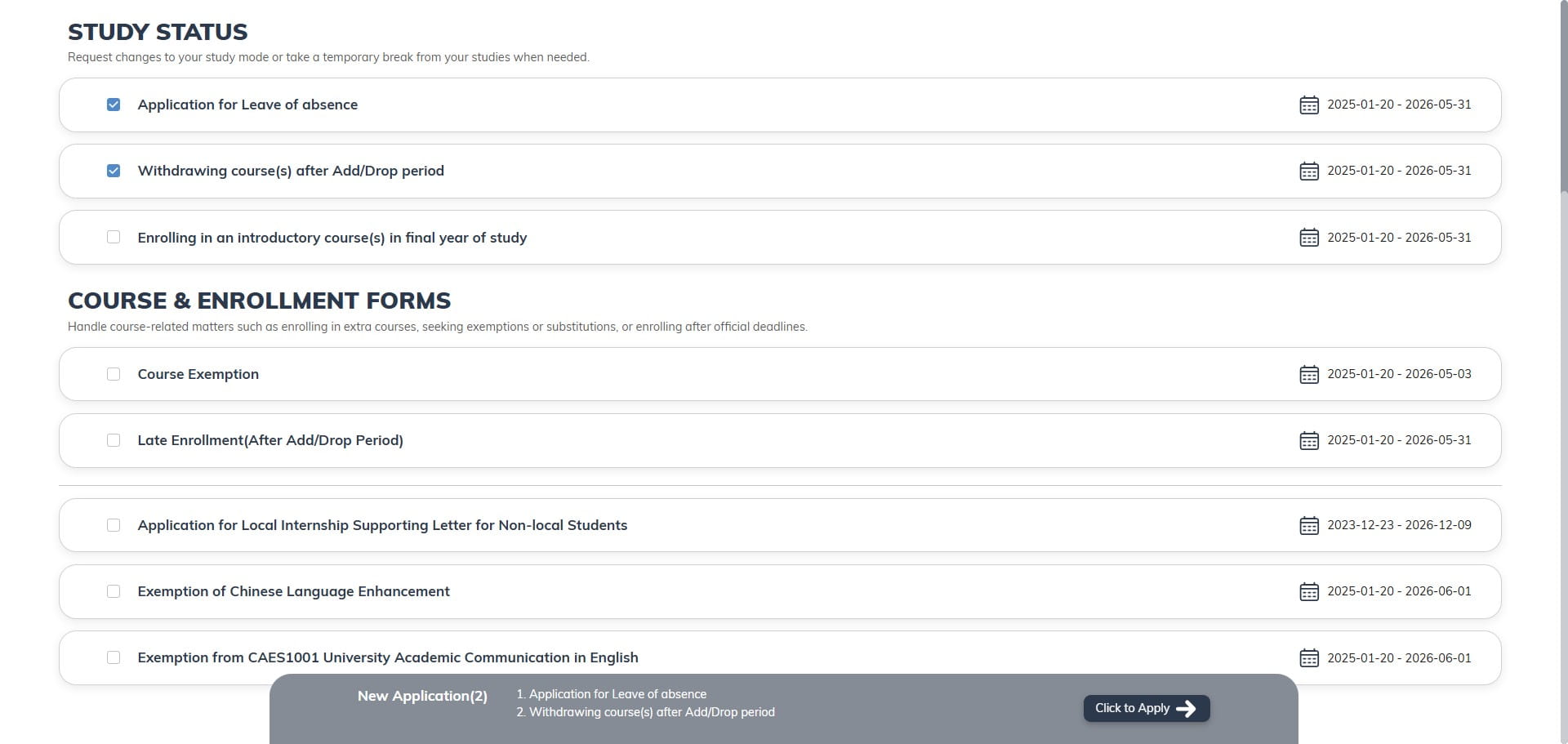
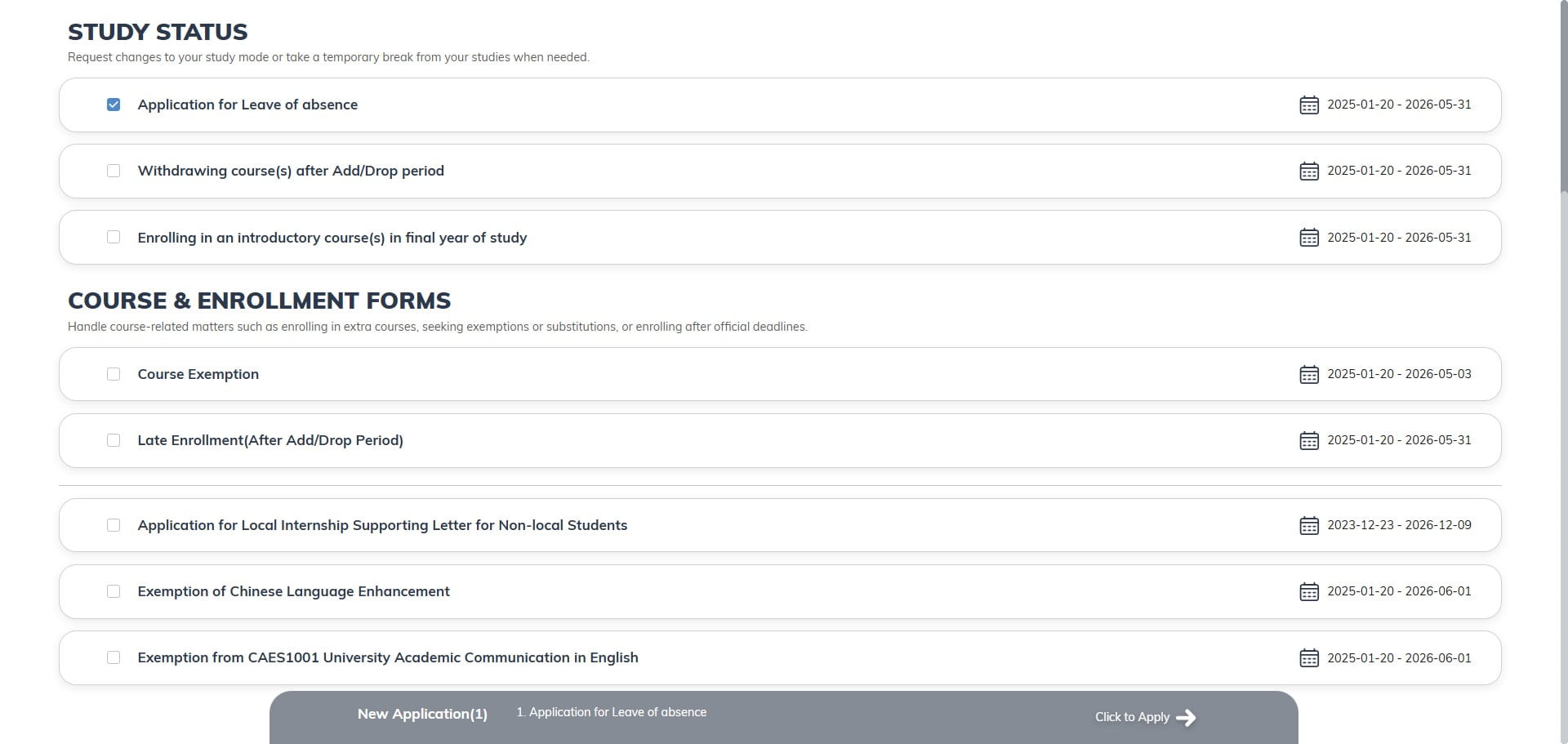
Your selected application forms will also be displayed in the bottom bar. You can click 'Click to apply' to start the application.
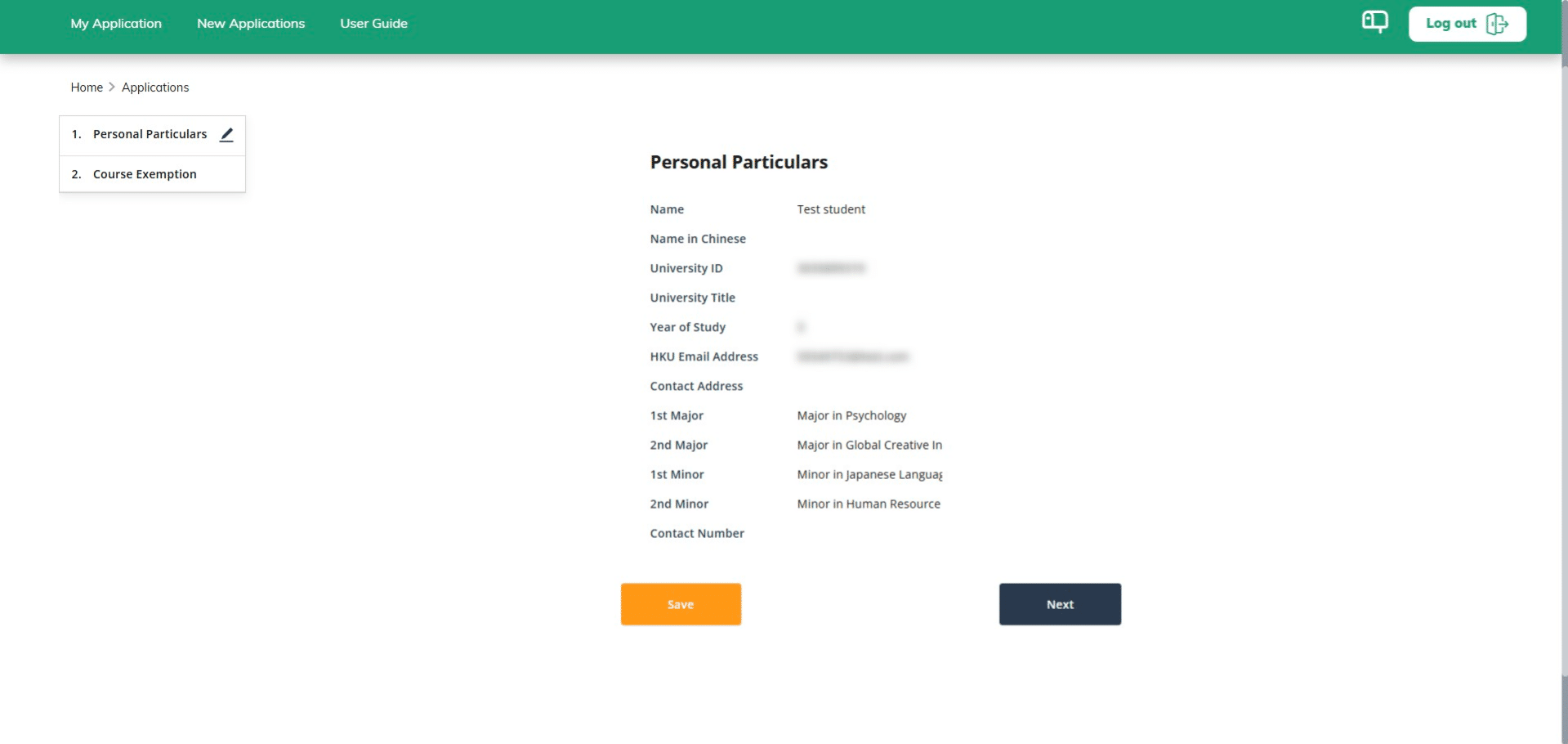
The first page will display your information, which should match your school system. If any information is incorrect and needs to be updated, you can review and update it in the university portal.
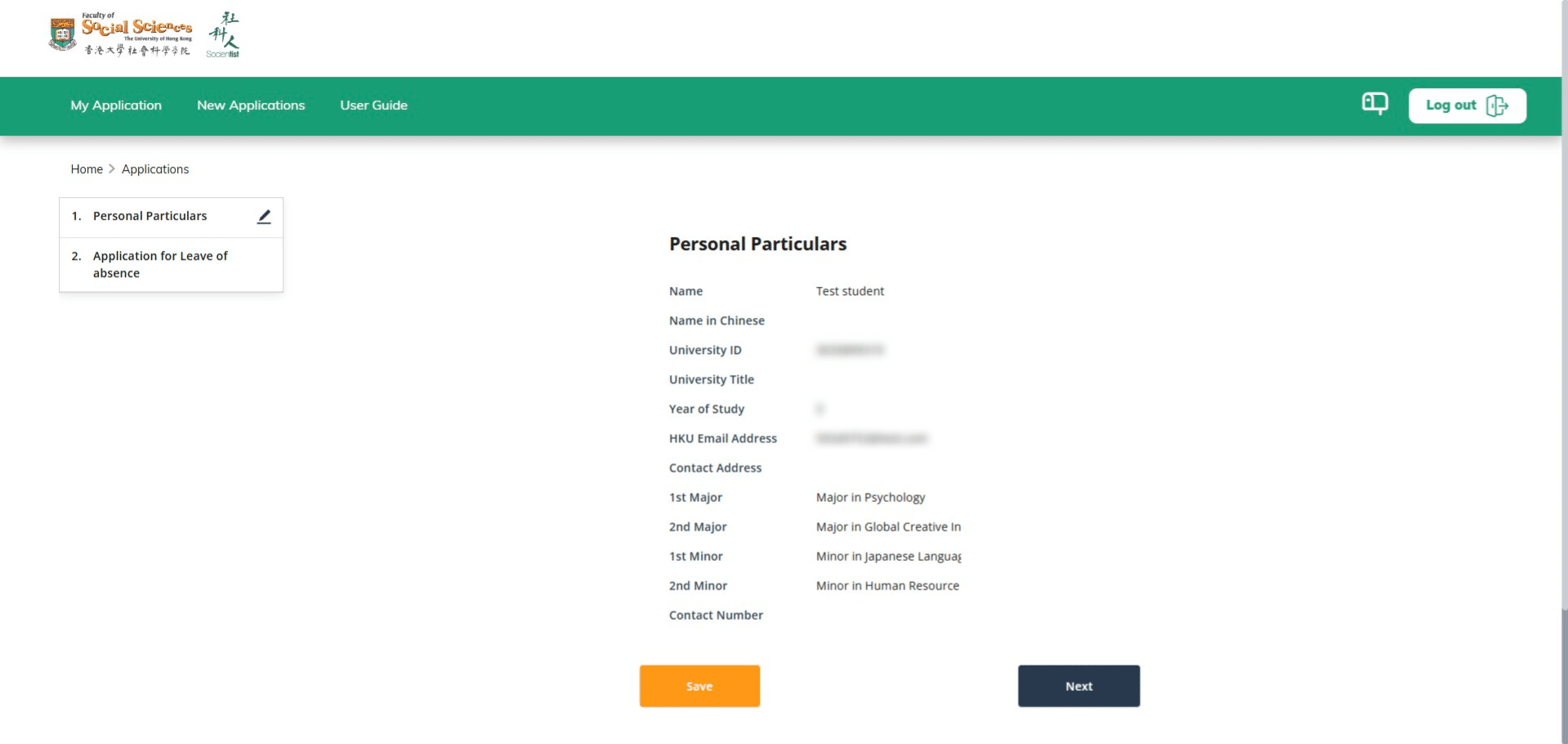
Click Next to continue
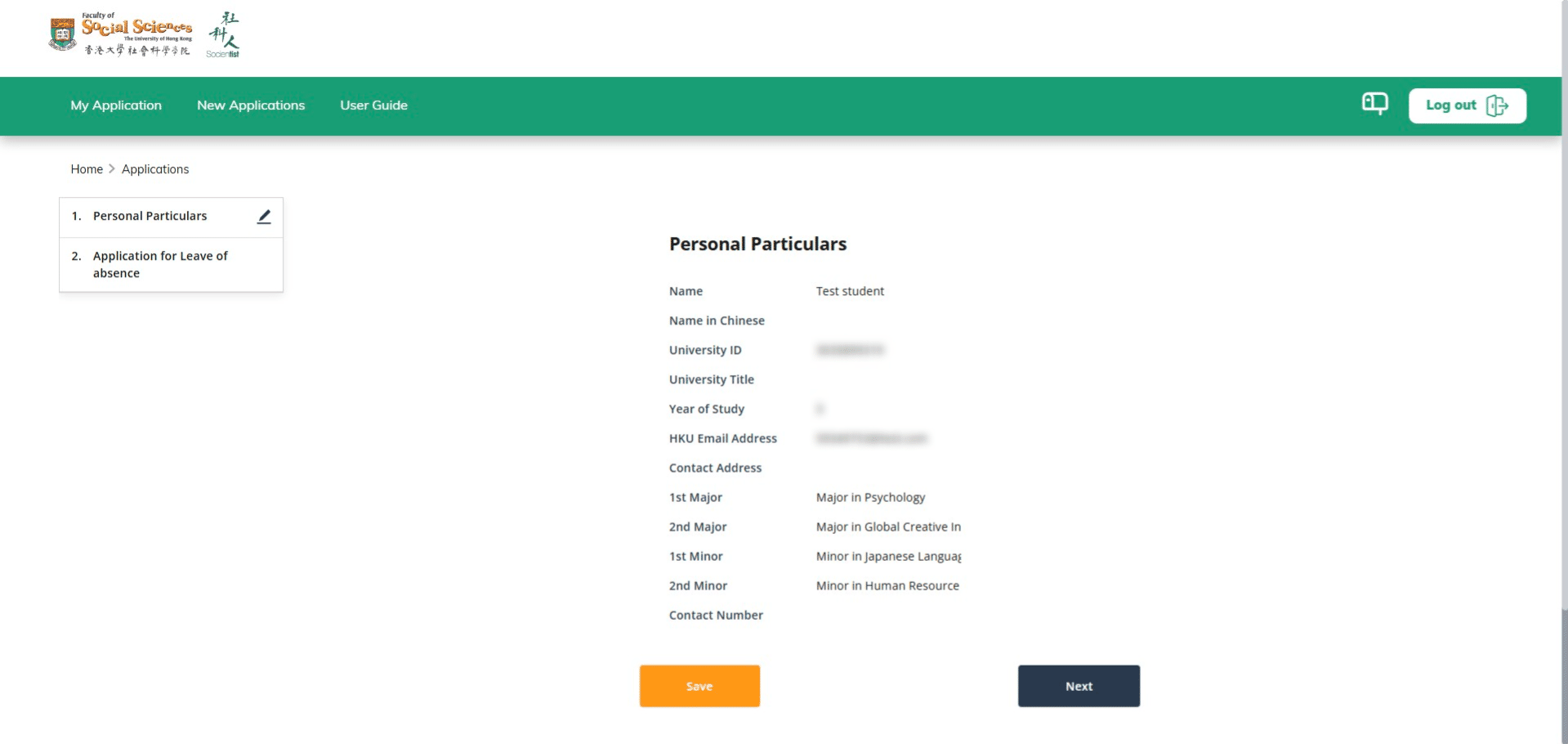
Please fill in the form; all fields marked with * are required.
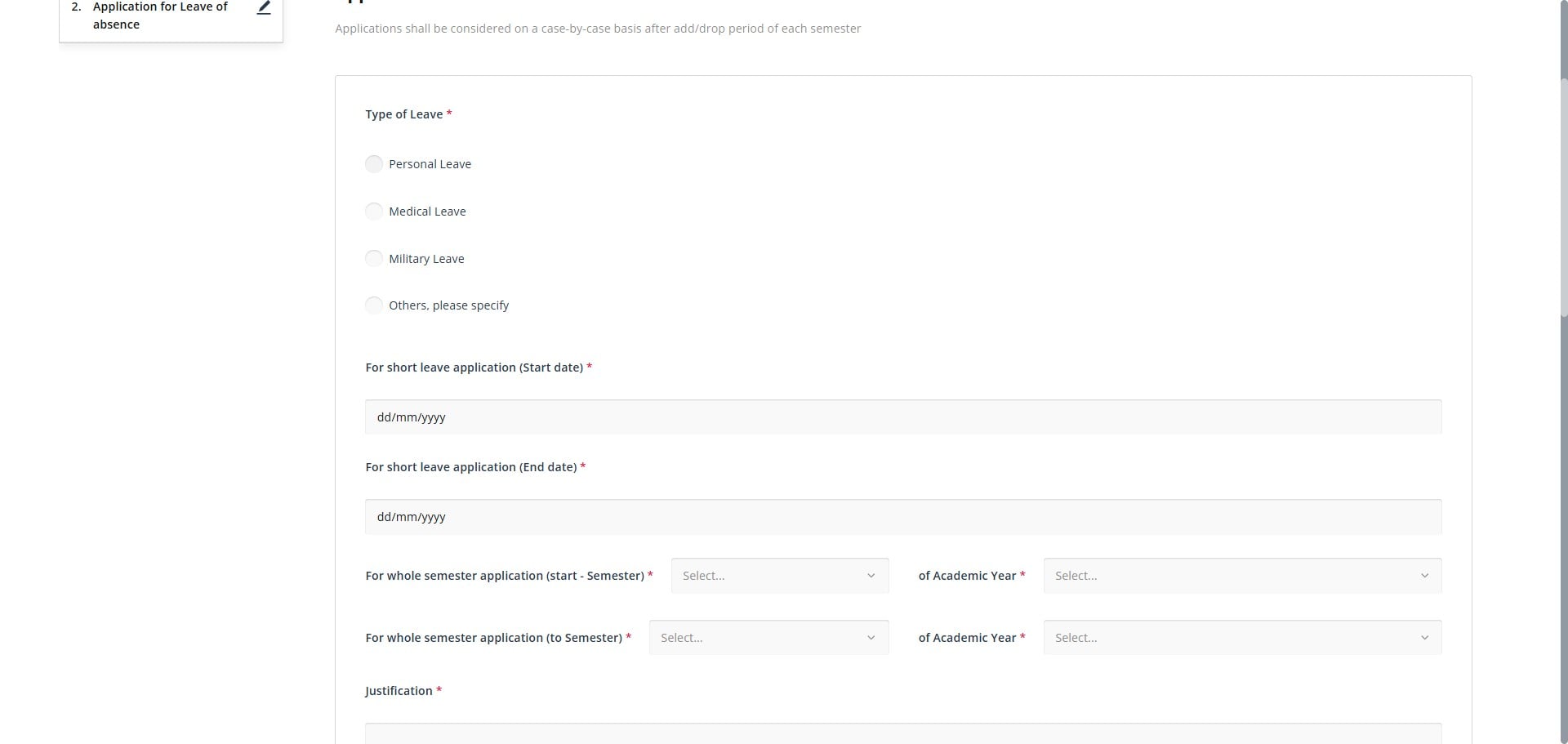
Click here
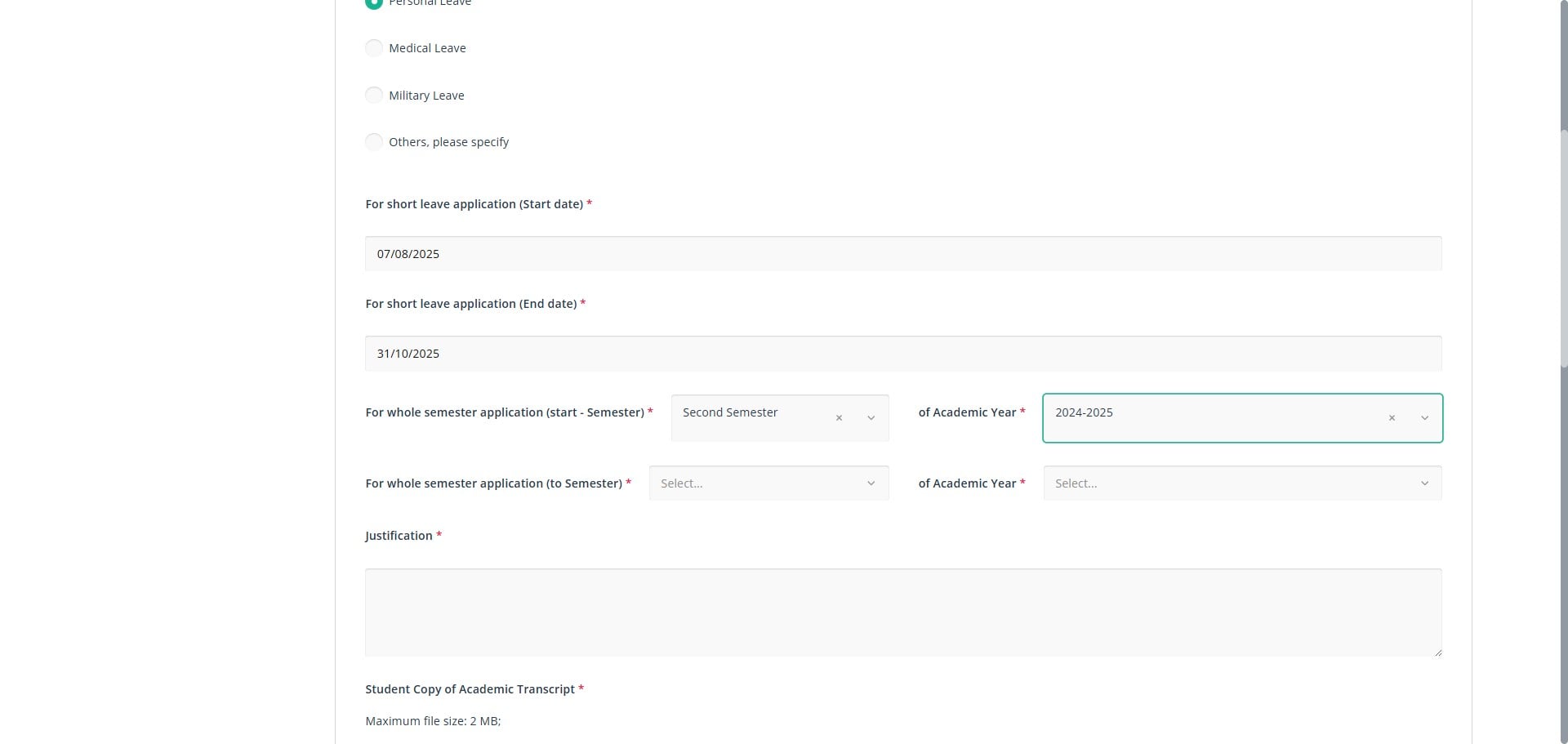
Click on "First Semester"
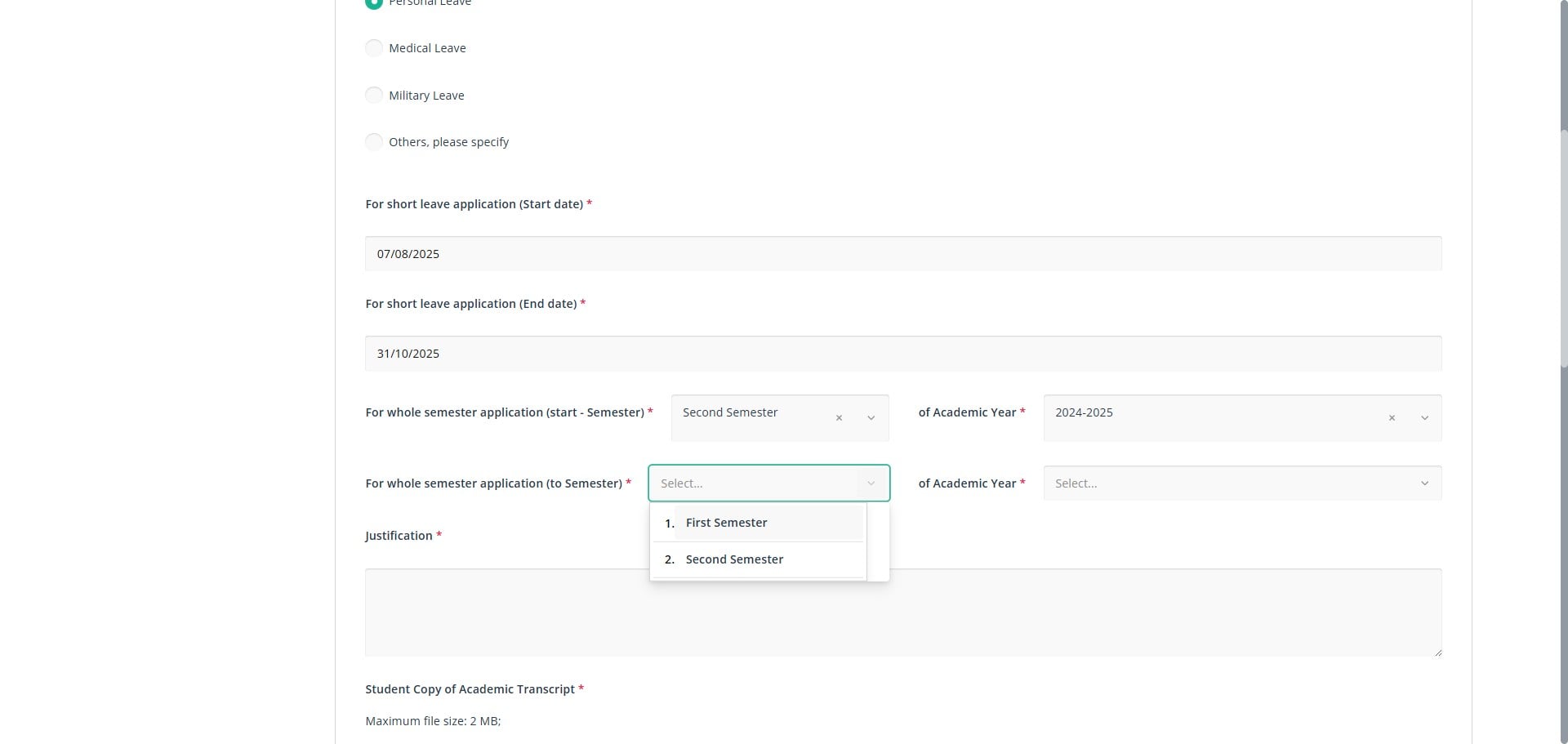
Fill out all requred field
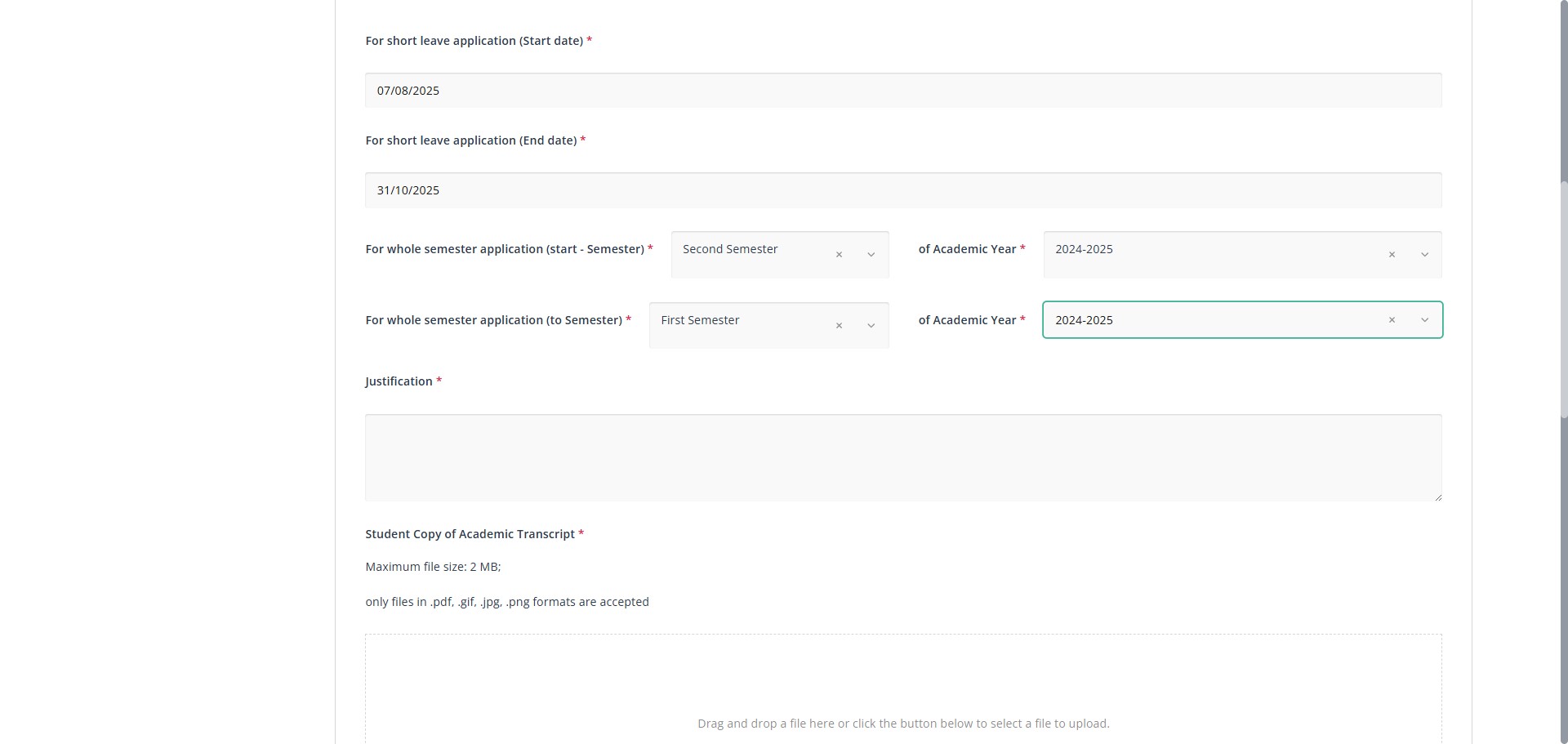
You can upload multiple items at the same time.
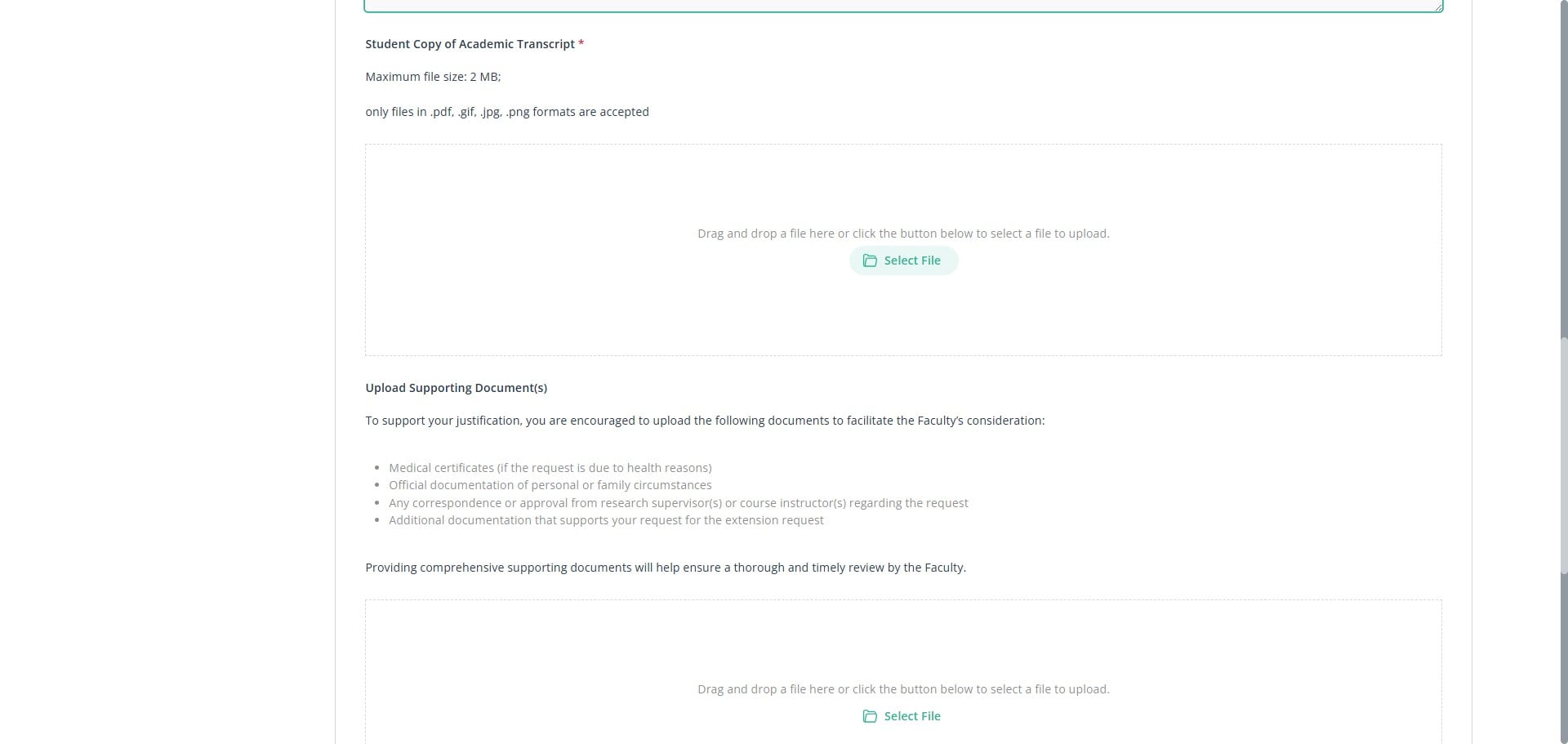
Click preview button
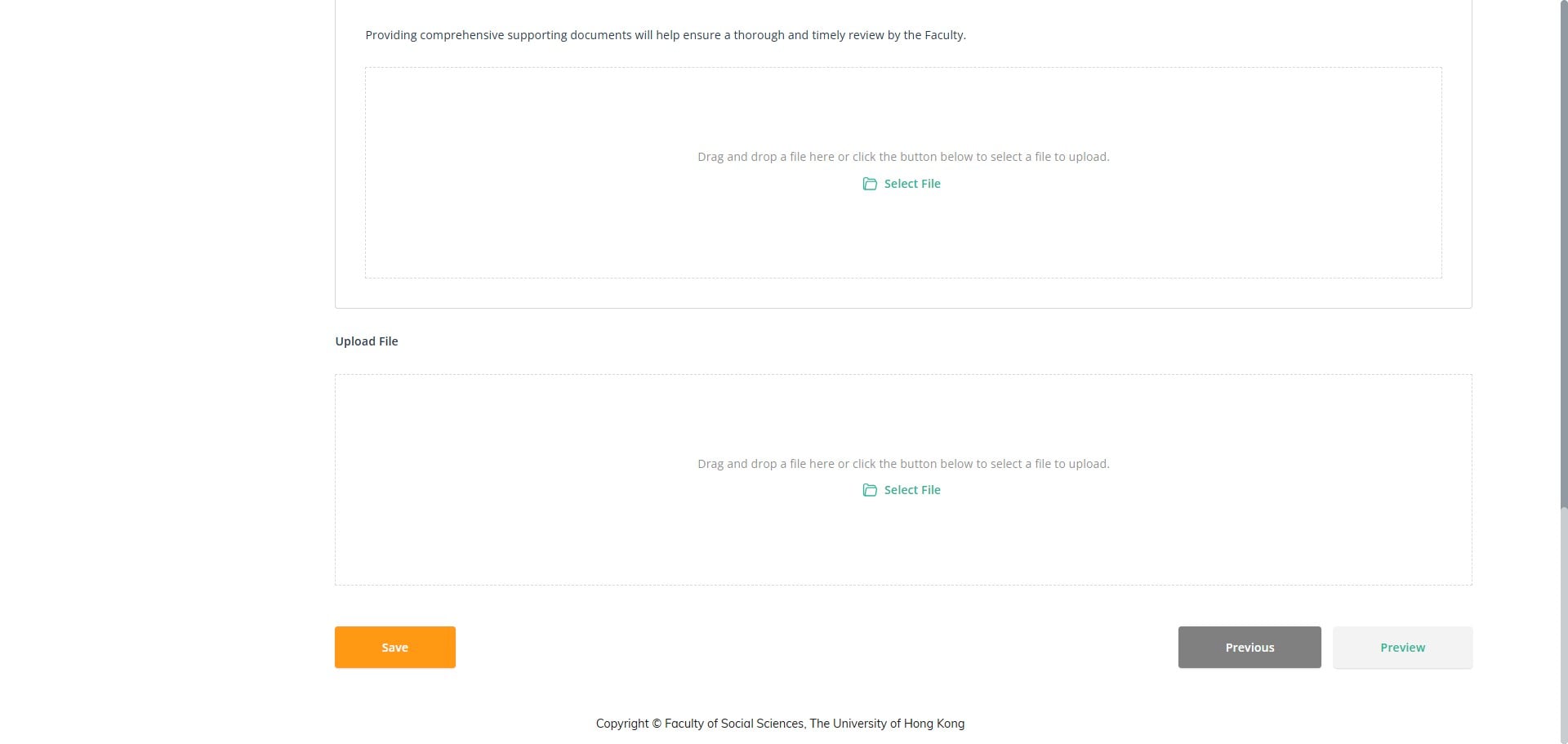
On the preview page, you can review all the information you have entered.
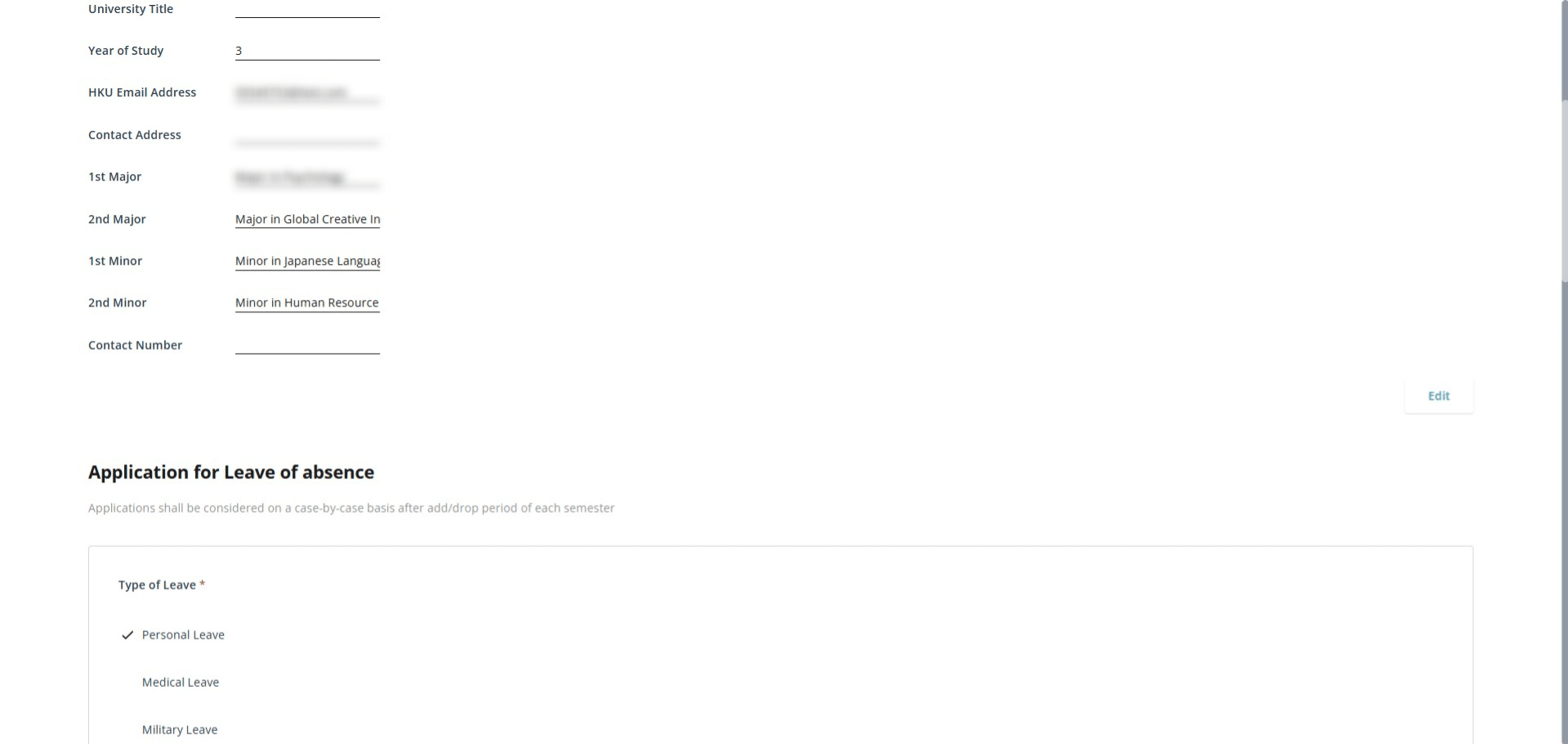
Click Complete button to submit form
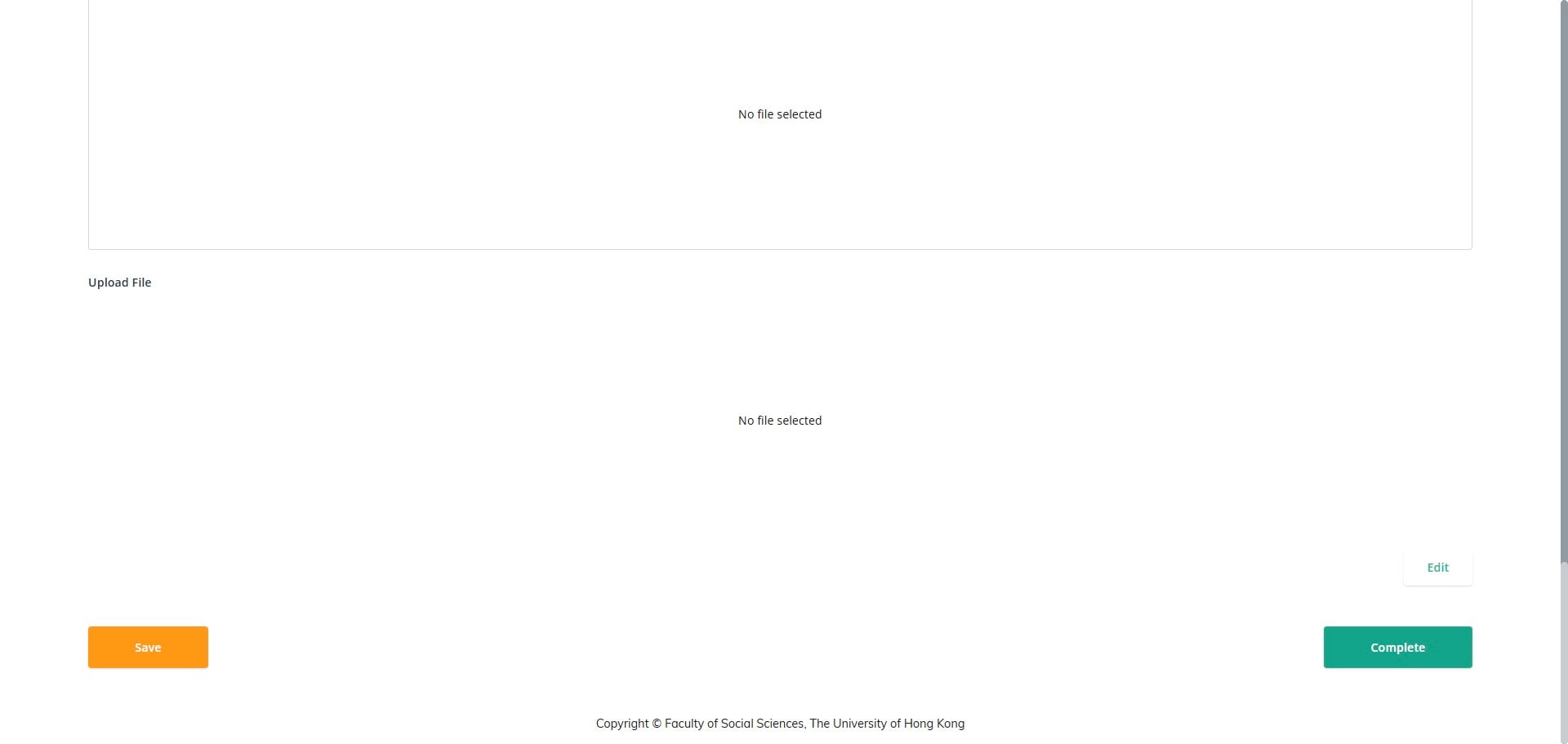
You will be automatically directed to the My Application page, where you can view your previously submitted application forms and review their status.
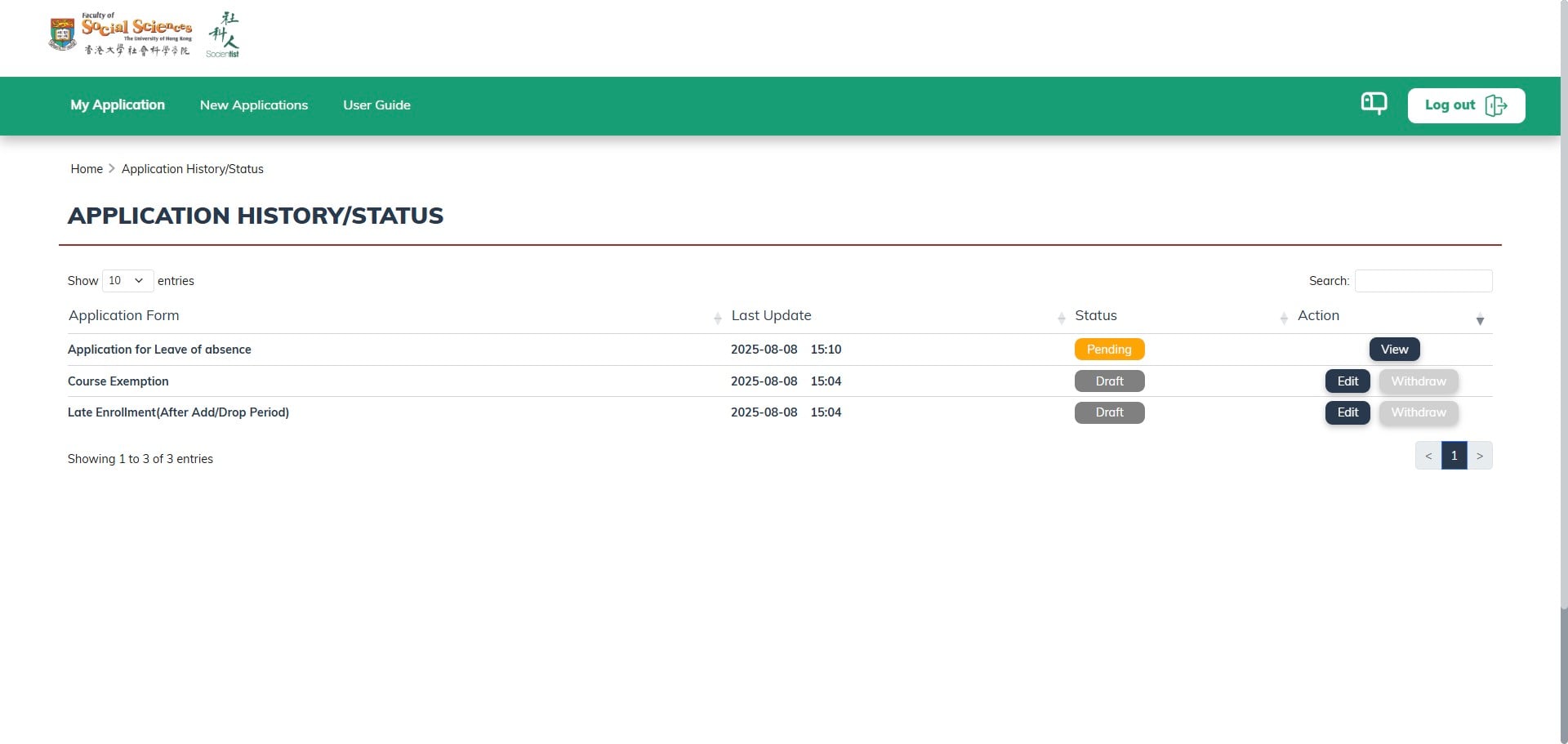
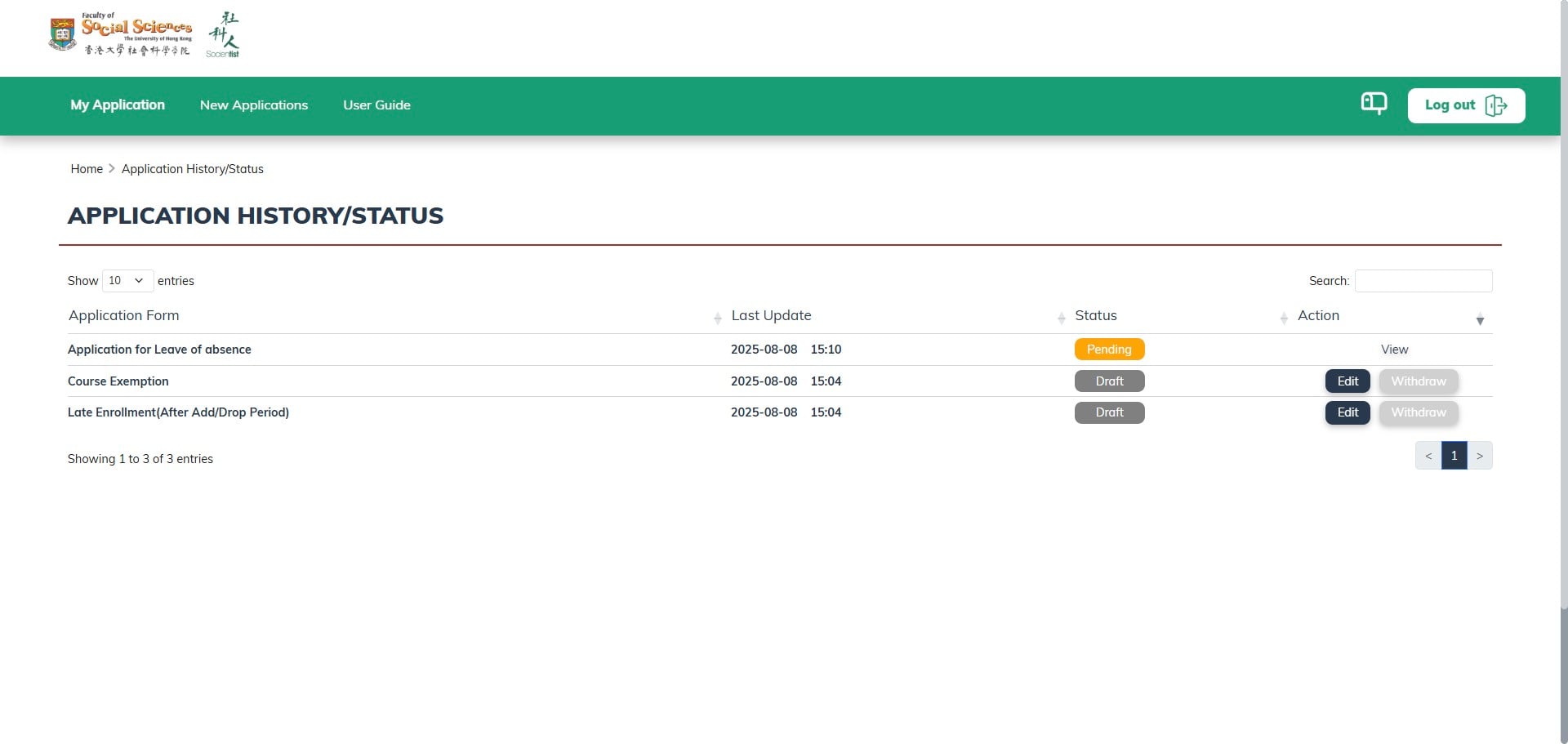
Click on "View"
Click Next button to view the next page
Incomplete forms will be displayed in draft mode. You can click 'Edit' to continue or 'Withdraw' to cancel this application
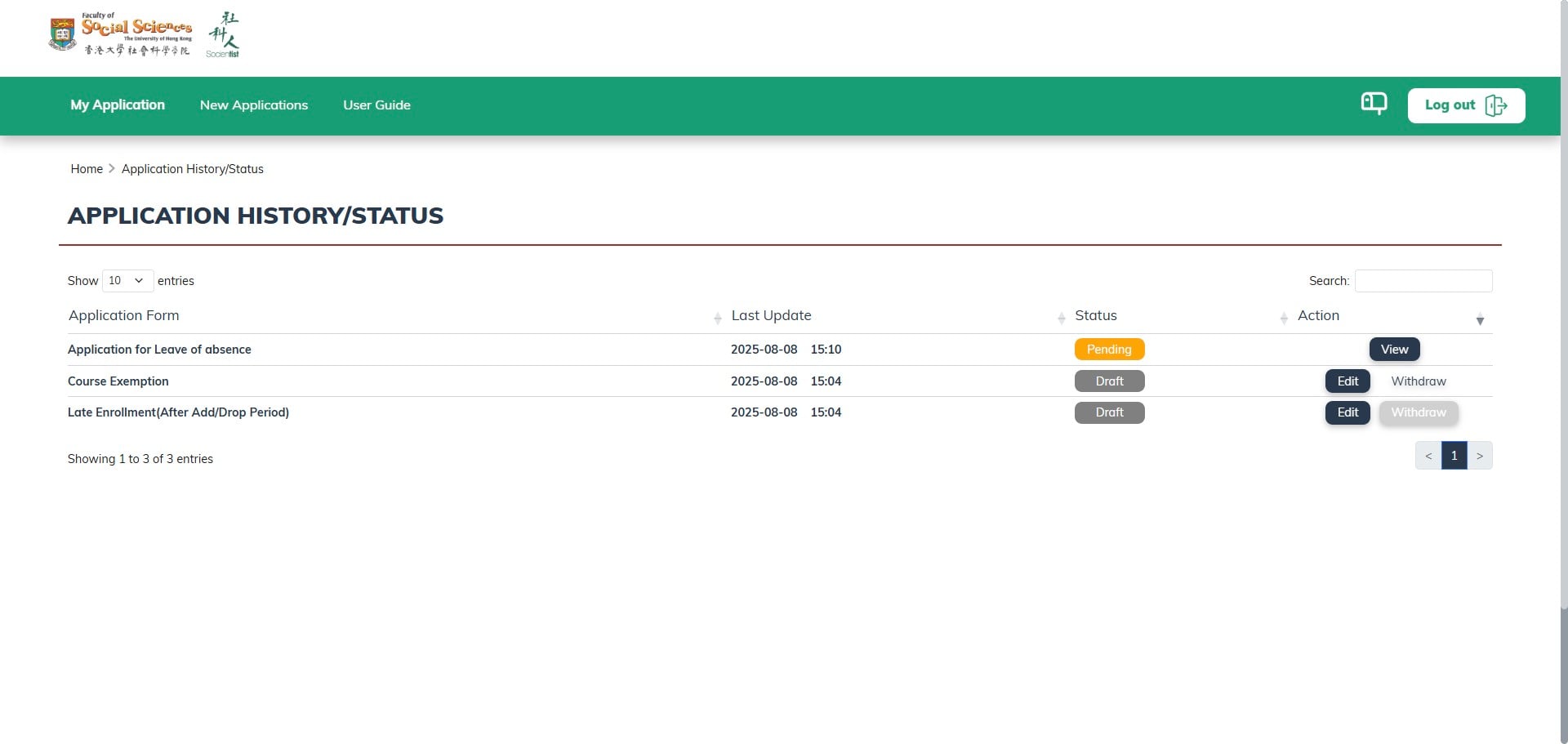
The application will disappear after you withdraw it.